Bacara Plugin currently at v1.0.62

If you're on a never-ending quest for killer patterns, look no further — Bacara's got your back. It generates melodies like a caffeinated composer with impeccable taste and zero ego. Perfect for when you need inspiration, want to experiment, or just feel like summoning the techno gods without the ritual sacrifice.

Bacara is a multi-channel MIDI generator built for performance — because who has time for endless micro-management? It crafts smooth, cohesive patterns instead of the musical chaos you'd get from a basic random generator. No more "robot smashing a keyboard" vibes. (Unless that's what you're going for. We don't judge.)

Enjoy creating with Bacara Plugin! ❤️

Download & Try Bacara Plugin Buy now for € 49.95

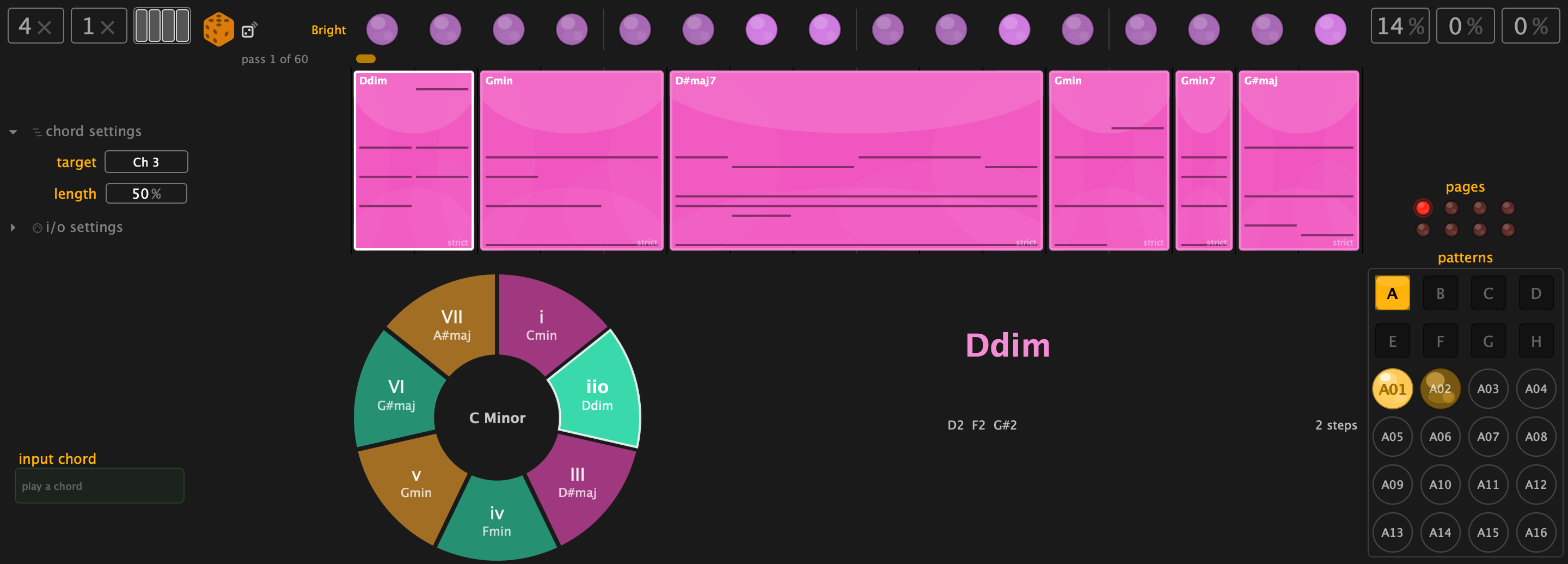
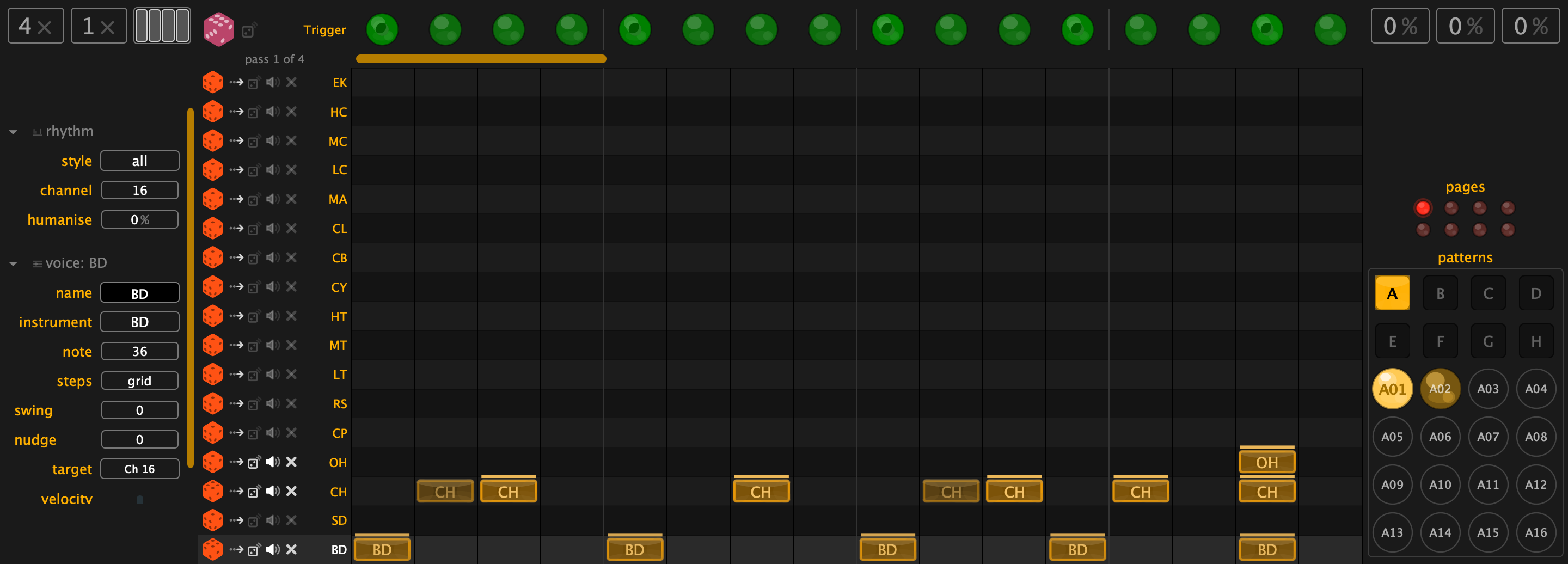
Screenshots Yes, It Actually Looks Like This

Multiple Plugin Formats We Believe in Choice

Bacara speaks your DAW's language, whatever that may be. CLAP for the Bitwig & Reaper crowd, VST3 for Ableton Live loyalists, and AU for Logic Pro devotees. Can't decide? There's a Standalone APP that works with any DAW via a virtual MIDI port — because we believe in plugin format democracy.

Registration The Least Painful Part

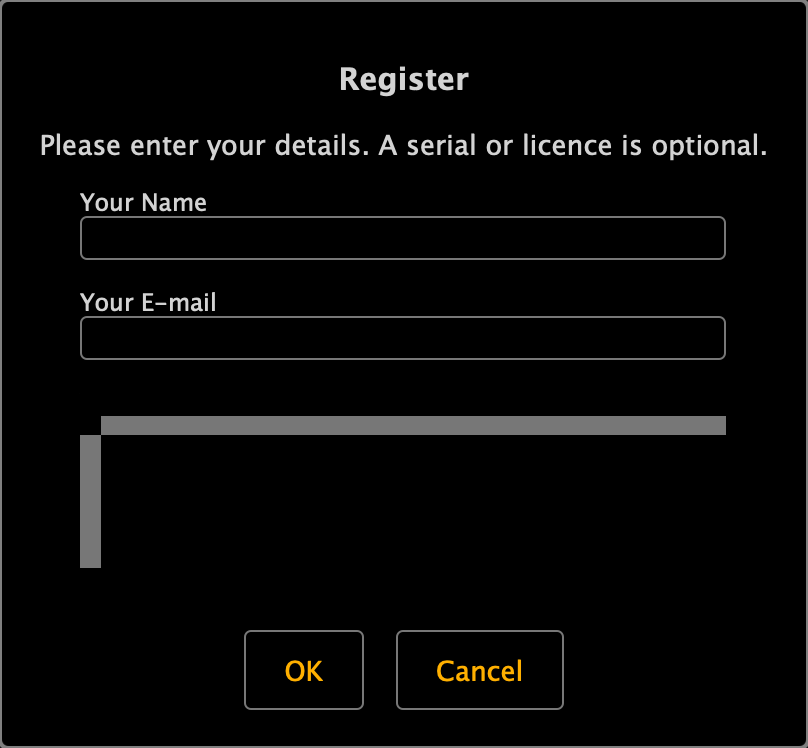
After about 30 pattern generations, we'll politely ask for your name and email. That's it. No blood type, no mother's maiden name, no essay on why you deserve to use our software. Click the button in the bottom toolbar, fill in two fields, and you're back to making music in under 10 seconds. We timed it. (We're very professional.)

Got a serial number? Great, pop it in. Don't have one? No problem — the demo is fully functional regardless. We trust you.

Melodic Sequence Generator Where the Magic Happens

Bacara isn't just a sequence editor with delusions of grandeur — it's a genuine melody generator. Click the dice icon and watch a 16-step sequence materialize before your eyes. Like a musical slot machine, except it pays out every time.

The temperature knob (1.0–5.0) controls how adventurous the generator gets. Low temperature = safe, predictable patterns. High temperature = jazz hands. Somewhere in between = the sweet spot where genius and chaos have a polite conversation.

The steps parameter sets how many steps to generate, and the dropdown selects which training dataset to use. Don't like what you got? Click again. Or just hit undo — your previous masterpiece is always one Ctrl+Z away.

Pattern Notes The Heart of the Operation

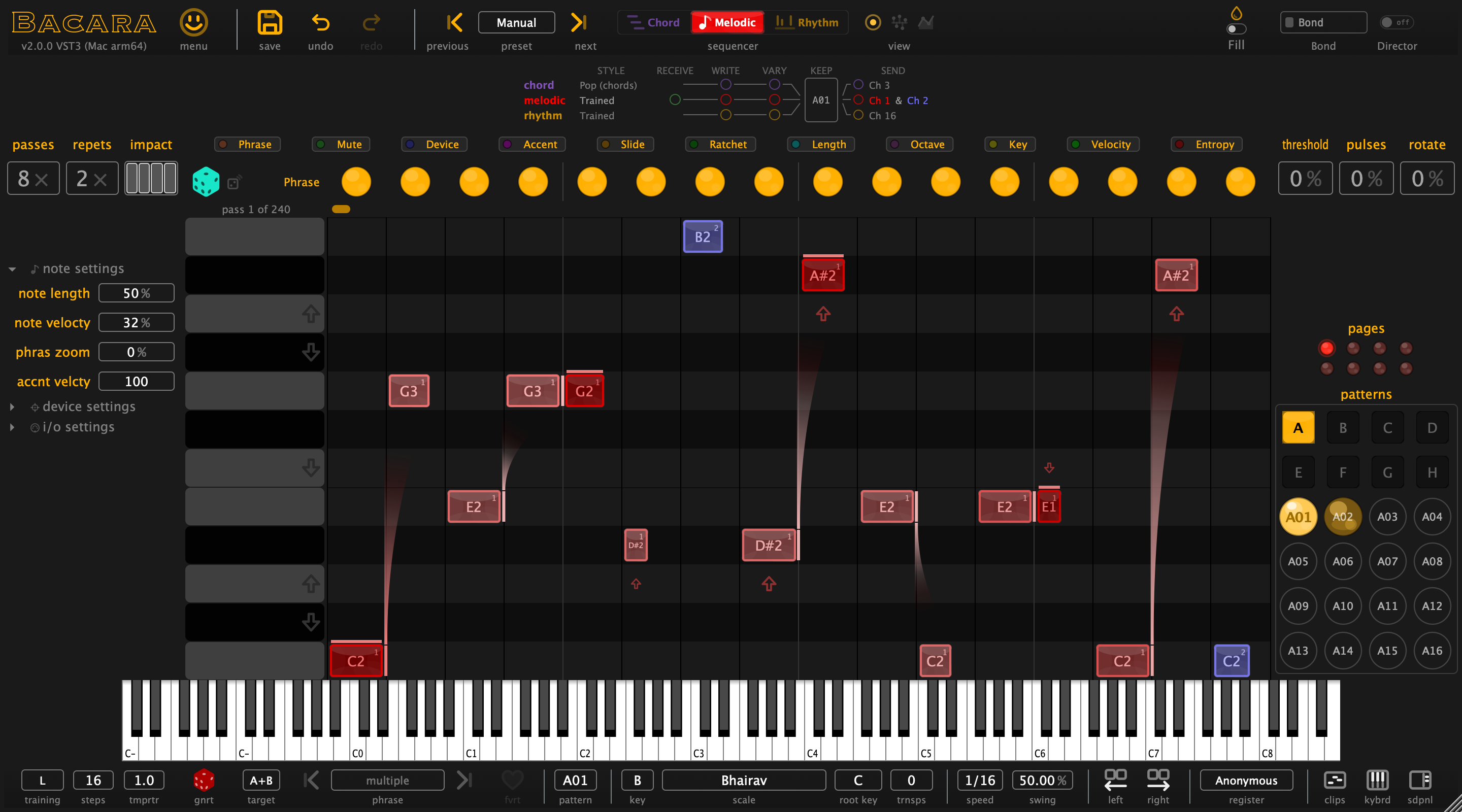
This is command central. The pattern display shows every note with its attributes — length, mute status, channel assignment (red or blue), accent, slide, octave, and more. It looks like a very colourful spreadsheet, and it sounds considerably better than one.

You can drag notes around manually if you're feeling hands-on. But the real power is in the aspect lanes above — sweep an encoder and watch entire rows of attributes change in one fluid motion. No clicking individual cells like it's 1997. Bacara is built for performance, not data entry.

Aspect Lanes One Sweep, Many Changes

Above the pattern sits at least one aspect lane — typically whichever you last fiddled with. The one pictured here is the channel aspect, showing whether notes play on MIDI channel 1 (red) or channel 2 (blue). One sweep of an encoder changes the entire lane. No micro-management, as promised. We keep our promises. Most of the time.

Macro Encoders Knobs That Mean Business

Eight Macro Encoders give you hands-on control over any parameter in Bacara. They come pre-assigned with sensible defaults (we're thoughtful like that), but you can reassign them to whatever you fancy. Like all good synth macros, they modulate rather than directly set values — meaning you can sweep smoothly between ordered and chaotic without ever losing your base settings. It's like having a volume knob for chaos.

Preset Management Hoarders Welcome

The Top Toolbar is your preset command centre. Browse with Previous/Next, dive into the Preset List, or go wild with Save and Delete. Copy & Paste and Undo & Redo work across every single parameter change — because we've all had that moment where we tweaked one thing too many and needed to go back. (It's fine. We've all been there. Repeatedly.)

Settings Mercifully Simple

Settings in Bacara are refreshingly minimal. The main choice: do you want your Macro assignments saved as User (fixed, always available) or as part of a Preset (changes with each preset load)? That's basically it. We could have added 47 more options, but we believe in restraint. (This is possibly the only area where we do.)

Virtual Keyboard Pretty Lights

Click the keyboard button in the bottom toolbar to reveal a virtual keyboard that displays outgoing notes in real-time with colour-coded channels. Is it strictly necessary? No. Is it deeply satisfying to watch? Absolutely. Sometimes the best features are the ones that just look cool.

Scale Mode & Scale Key Musical Guardrails

Set a Scale Mode and Scale Key to keep all generated notes in line. Think of it as musical guardrails — your patterns can still be wild, but they'll be wild in key. The impact is visible in Edit Mode and Lanes Mode as arrows on the vertical keyboard, so you can see exactly what's happening.

38 scales available, from the sensible (Major, Minor, Dorian) to the adventurous (Hirajoshi, Messiaen 7, Pelog Selisir). We don't know what half of them sound like either, but they're all in there and they all work beautifully.

Lanes Mode See Everything at Once

Lanes Mode reveals all LED lanes simultaneously — every deviation, every parameter, all at once. Each lane gets its own coloured dice for re-seeding random values individually. Click any LED to toggle its value. Want meticulous control? This is your playground. Want to just re-roll everything? Click the dice. We support both lifestyles.

Edit Mode For the Control Enthusiasts

Edit Mode is Lanes Mode's more detail-oriented sibling. Parameters are laid out spreadsheet-style, Macros can be reassigned by dragging crosshairs to target parameters, and min/max effect sliders let you fine-tune exactly how much chaos each Macro unleashes. It's where you go when "just sweep the encoder" isn't precise enough. (It happens. Rarely, but it happens.)

Variants 12 Patterns in a Trenchcoat

Variants let you pack up to 12 complete patterns into a single preset. Each variant is its own self-contained world — steps, deviations, automation, the works. Switch between them via the bottom toolbar or instantly via MIDI (lowest octave). Copy by dragging. It's like having 12 presets that all get along and share a save file. Ideal for live sets where you need verse/chorus/bridge/chaos at your fingertips.

Transpose Shift Everything, Instantly

Transpose shifts all MIDI output up or down by a set amount. You can also trigger transposition in real-time via incoming MIDI notes (above the lowest octave) — meaning your MIDI controller can shift the entire pattern's pitch on the fly. It's the quickest way to make the same pattern sound like a completely different idea. Musicians have been doing this trick for centuries. We just made it one button.

MIDI Drag Grab It and Go

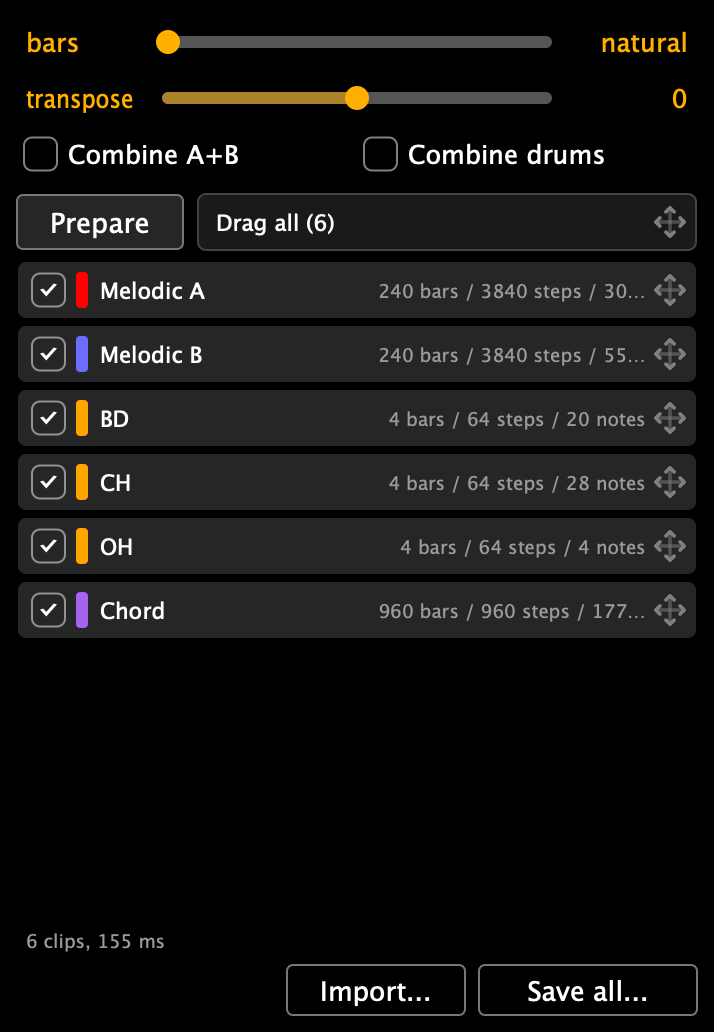
Generated something brilliant? Drag it straight into your DAW — clip launcher, arranger timeline, wherever you need it. MIDI Drag captures the full output including all iterations and repeats, so you get a complete, evolving MIDI clip. No export dialog, no file management, just grab and drop. It's the musical equivalent of a screenshot, except it sounds like something.

Give It a Shot Seriously, It's Free

We know what you're thinking: "Sure, but what's the catch?" There isn't one. The demo is fully functional. Every feature, every knob, every AI-generated acid bassline. The only limit is on the number of generations — and honestly, 50 is enough to know if this is your thing.

No hard feelings if you pass. But we're pretty confident you'll like it. We like it, and we've been staring at it for years.

Enjoy! ❤️